
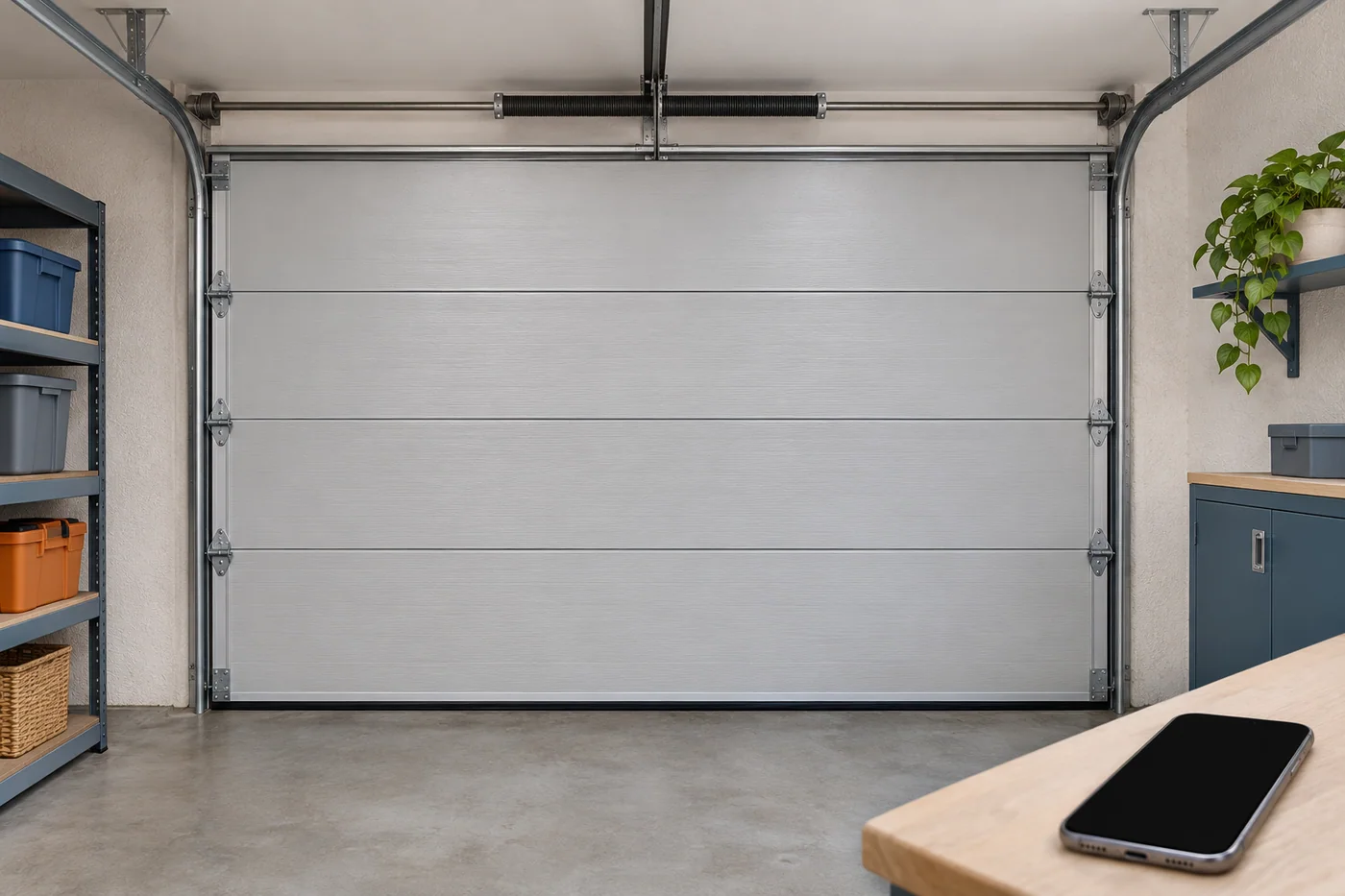
A phone shows closed while someone at home recalls seeing the garage open. That disagreement is useful information, but it isn't a diagnosis. The app and the person may be reporting different observations, made at different times.
For a garage-door request, keep the physical system in view even when a screen draws the attention. If equipment is damaged, unstable or not moving normally, stop operating it and keep people clear. A fresh app reading is not worth creating another unsafe movement.
Three entries make a clearer account
First, record the exact state or error wording already shown. Second, describe any command that was sent during ordinary use and the response noticed. Third, keep the last position someone actually observed at the door, with the order of events clear.
Those entries should not be collapsed into the app is wrong or the motor is dead. A command appearing to send is not a completed movement, and a displayed state is not an inspection of the door's supporting parts.
The product decides how position is reported
A connected system may include a separate hub and a sensor that reports the door's position. Another opener can have a different arrangement. The app's name alone does not identify the installed configuration.
Keep available model information for the opener and any hub or sensor. A relevant manufacturer article should match that equipment. Do not reach near moving parts, remove covers or disturb a damaged system to find an identifier.
A specific manufacturer example
Chamberlain's support material for specified myQ hub-and-sensor setups explains that sensor information can affect the reported state. Its Close-error guidance includes a low door-sensor battery as one possible cause of a missing or incorrect state in relevant setups.
That is not evidence that every mismatch is a battery issue. It is also not a diagnosis of a particular Glendora or Upland door. The useful lesson is to identify the actual equipment before carrying a possible cause from one support article into another system.
The manufacturer's Smart Garage Hub connectivity overview also distinguishes product arrangements, including monitor-only operation in relevant configurations. Seeing a status does not by itself prove that remote control is enabled or supported.
Time belongs in the record
Someone may have seen the door during earlier ordinary use while another person later viewed the app. Keeping those times in order can prevent an older observation being presented as a current view. No exact minute is needed if it wasn't recorded; don't invent one.
If the current position is unknown, say that. Do not send a command from away from the property merely to make the account sound more complete. The safe description can include uncertainty.
A screen issue can coexist with a door fault
A system that also moves unevenly or stops partway needs those physical symptoms in the request. Resolving a reported state does not establish that springs, supporting hardware and the moving door are sound.
Humming or clicking likewise belongs to an equipment-specific assessment. Manufacturer guidance identifies several possible conditions; a sound alone does not select a replacement part. Do not release a damaged door or adjust loaded components to separate the possibilities yourself.
What the record should help decide
The record helps identify whether the request concerns reported status, abnormal movement or both. The actual equipment and condition then determine the appropriate work. It should not become a universal reset, sensor bypass or remote-opening recipe.
Keep the desired result clear: a correct equipment-specific report is one outcome, a reliably functioning physical system is another. If both need attention, include both in the agreed scope.
Connect the question to the place
The Upland garage page focuses on identifying what reports position. The Pasadena garage page considers a shared household account of what was seen. These are explanations, not accounts of completed jobs.
For the main city and a broader repair request, see garage door repair in Glendora. Call 626-498-1755 with the actual system and address to check current availability.
Questions about the request
Does the guide say a low battery is always the cause?
No. That is one manufacturer-documented possibility for specified hub/sensor equipment, not a diagnosis or a statement about all connected openers.
Should I issue another command to get a fresh reading?
Do not operate damaged or unreliable equipment just to refresh a display. Keep the information already available and any uncertainty clear.
Is an app status a safety check?
No. Reported position, physical condition and safe operation are separate matters.